
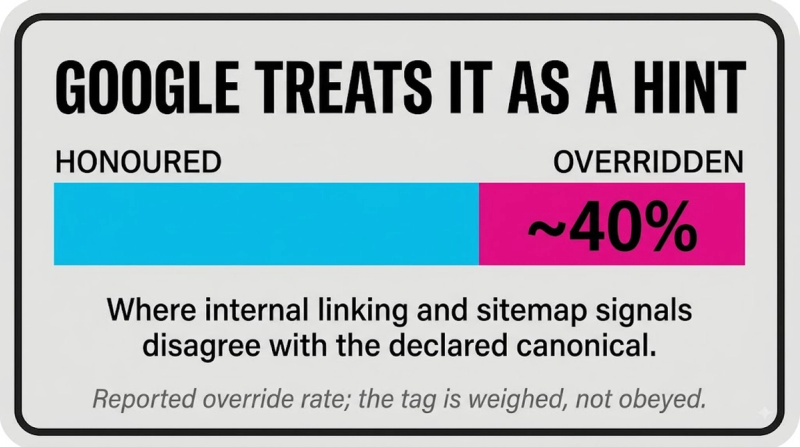
TL;DR. A canonical tag names one URL as the master version when duplicate or near duplicate pages exist, folding their ranking signals into that single page. Google reads it as a hint rather than an order, though, and ignores the declared canonical roughly 40 percent of the time when other signals point elsewhere. Canonical issues turn up in about 90 percent of large sites audited.
What is a canonical tag?
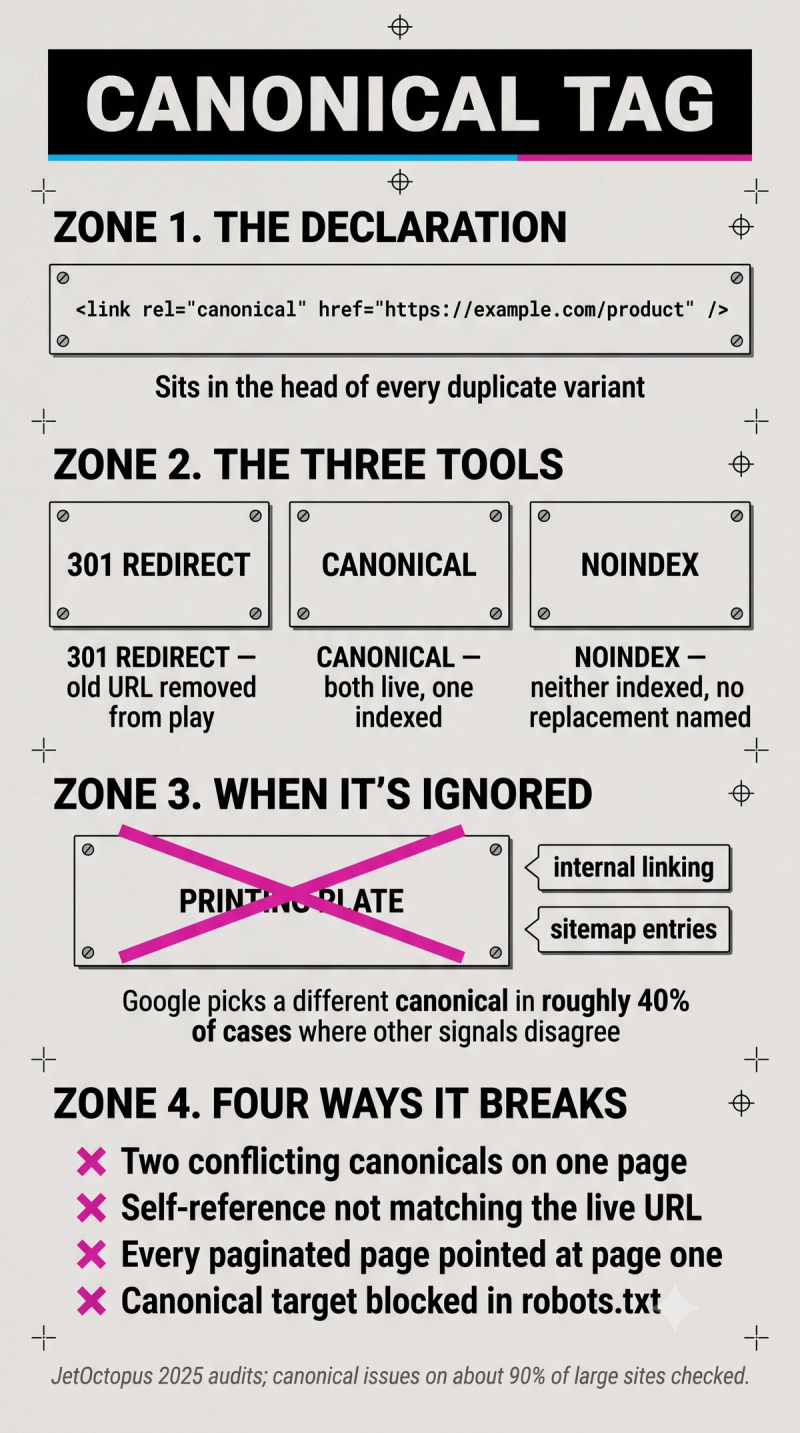
A canonical tag is the HTML element rel equals canonical, sitting in a page's head, pointing at the URL that should count as authoritative among a set of duplicate or near duplicate pages. It tells search engines which version to index and which one should hand its signals over.
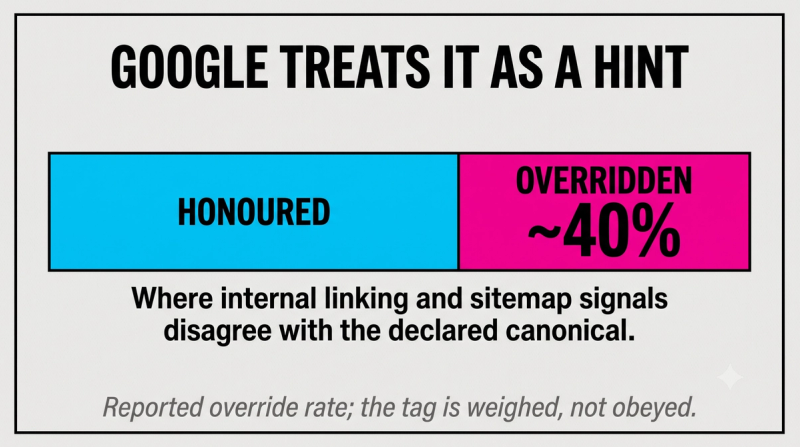
Google does not treat this as a binding instruction. It weighs the tag alongside other evidence, internal linking patterns, sitemap entries, and can choose a different canonical entirely when that evidence disagrees.
Key highlights
- Google treats the canonical tag as a hint, not a directive, and overrides the declared canonical in roughly 40 percent of cases where other signals disagree.
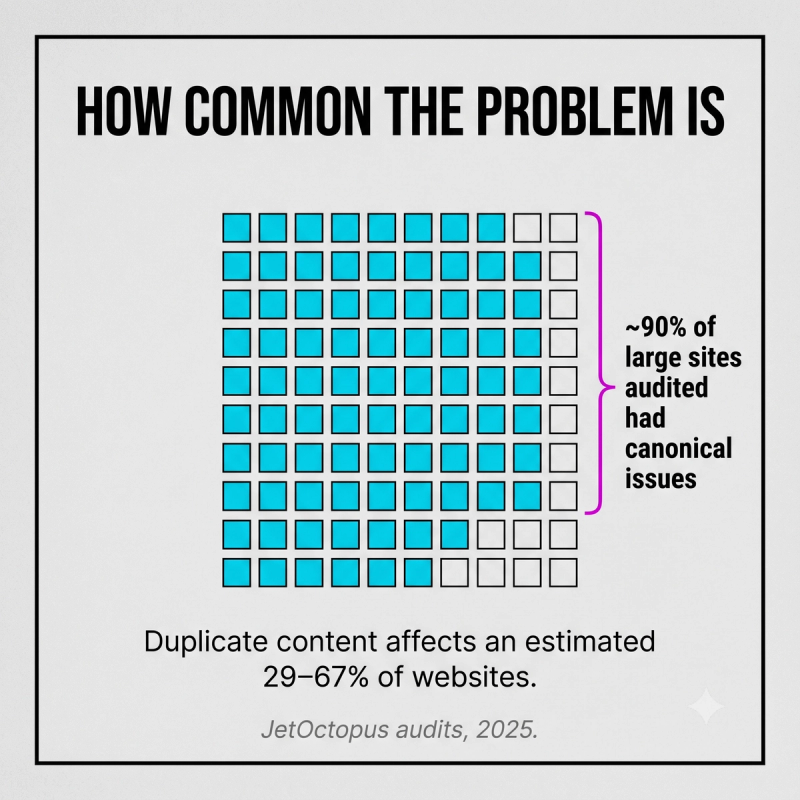
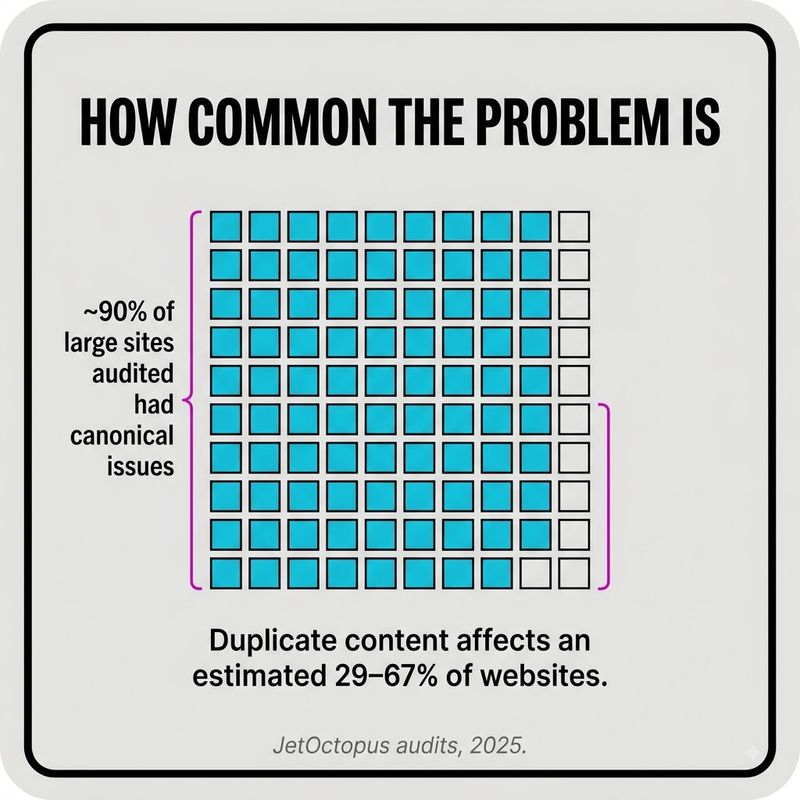
- JetOctopus audits turned up canonical tag issues on about 90 percent of the large websites checked in 2025.
- Estimates put somewhere between 29 and 67 percent of websites carrying some form of duplicate content, precisely the problem canonical tags were built to solve.
- A canonical target blocked in robots.txt cannot be verified, so Google simply disregards the tag rather than trusting a URL it has never been able to crawl.
How canonical tags work
The mechanism is a declaration sitting in the head of every duplicate variant, naming the master URL. The syntax:
<link rel="canonical" href="https://example.com/product" />
Every page, including the canonical page itself, should carry this tag pointing at its own correct URL, a pattern called a self-referencing canonical. It solves no duplication problem on that specific page, but it closes off the ambiguity a tracking parameter or trailing slash could otherwise introduce.
When to use a canonical tag
- Ecommerce category pages generating a fresh URL for every filter or sort combination.
- Pages reachable through more than one URL format, with or without www, over HTTP or HTTPS, trailing slash or none.
- Content syndicated to or from another domain, canonicalizing back to wherever it originated.
- URLs carrying tracking parameters that should never be indexed as separate pages.
Canonical tag vs 301 redirect vs noindex
A 301 redirect sends users and crawlers to a new URL and takes the old one out of play entirely. A canonical tag leaves both URLs live but tells engines which one to index. Noindex removes a page from the index without naming any replacement at all.
Reach for a redirect when the old URL should vanish for good, a canonical when both versions genuinely need to stay live for users, and noindex when neither version belongs in the index.
Common canonical tag mistakes
- Two canonical tags on one page pointing at different URLs, which leads Google to disregard both.
- A self-referencing canonical that doesn't exactly match the live URL, pointing to /home when the actual address is /home/.
- Canonicalizing every paginated page back to page one, even when page two holds genuinely unique, crawl worthy content.
- No canonical at all on blog archives, filtered listings, or CMS generated variants.
Frequently asked questions
Why would Google ignore a canonical tag I set myself?
Google weighs the tag against other signals rather than obeying it outright, and picks a different URL as canonical in roughly 40 percent of cases where those signals disagree, internal linking patterns and sitemap entries being the two it leans on most.
Is a canonical tag the same thing as a redirect?
No. A redirect removes the old URL from play and sends everyone to the new one. A canonical tag leaves both versions reachable but tells search engines which one deserves the ranking signals. Use a redirect only when the old page should disappear entirely.
Why put a canonical tag on a page that isn't a duplicate?
That's the self-referencing pattern, and it's standard practice on every indexable page. It preempts the ambiguity a tracking parameter, trailing slash, or protocol variant could otherwise create, closing a gap before it becomes a problem.
Can a canonical tag point at a blocked page?
Not effectively. If robots.txt blocks the canonical target, Google can never verify what's actually there and ends up disregarding the tag entirely. The target has to be crawlable for the declaration to mean anything.
What happens when a page has two conflicting canonical tags?
Google disregards both rather than guessing which one to trust, leaving the page's canonical status effectively undecided. A quick source code check for duplicate rel canonical lines is the fastest way to catch this before it happens across an entire template.


