
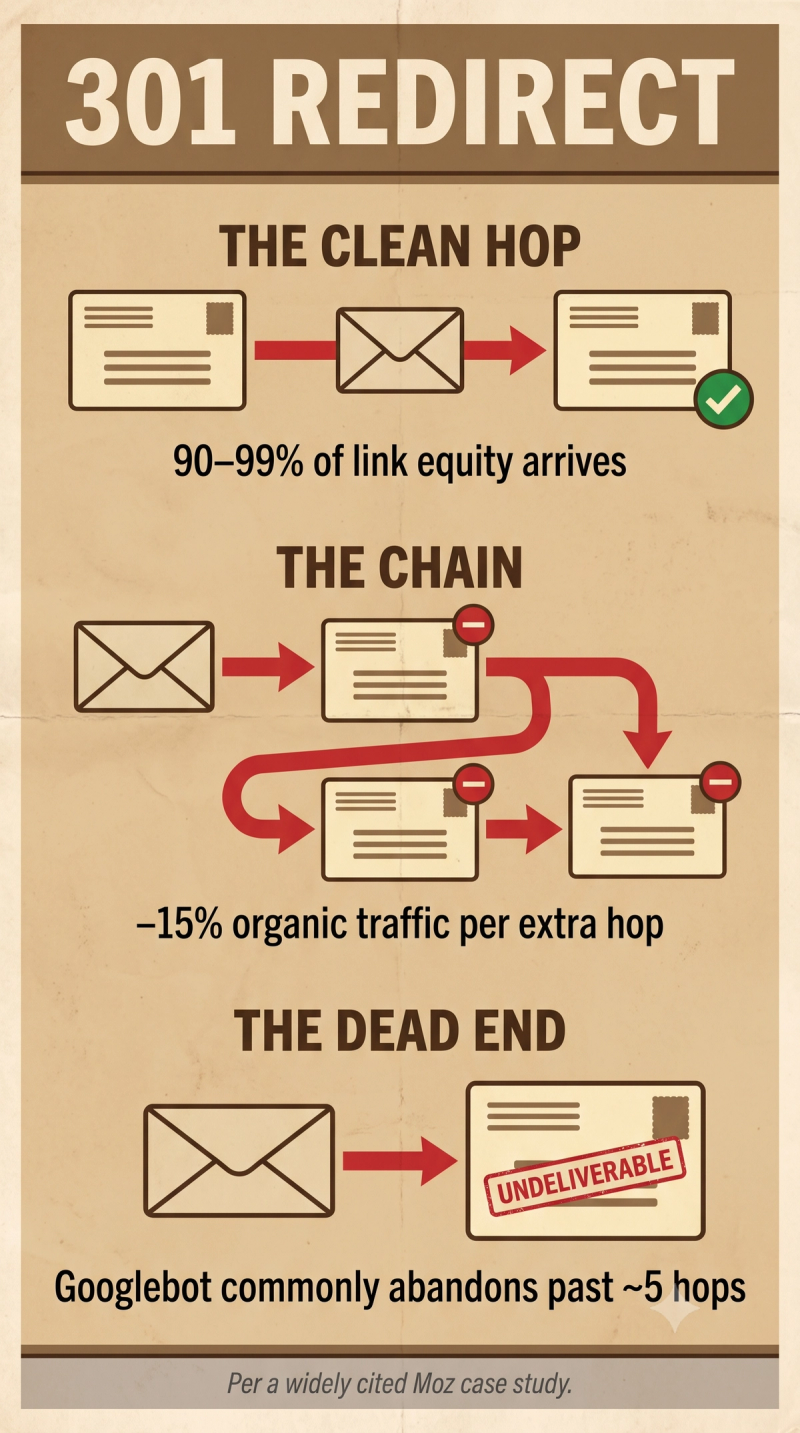
TL;DR. A 301 redirect makes a URL change permanent, automatically sending both users and crawlers from the old address to the new one, and Google confirmed back in 2016 that doing so no longer costs a page its PageRank. In practice a clean, single-hop redirect passes roughly 90 to 99 percent of link equity forward. The real risk sits in redirect chains, which a widely cited Moz case study tied to a 15 percent organic traffic drop for every extra hop.
What is a 301 redirect?
A 301 redirect is an HTTP status code declaring that a URL has moved permanently to a new address. Anyone requesting the old URL, whether human or crawler, lands automatically on the new one, and the new URL inherits the old page's ranking signals from that point forward.
A 301 is the right tool whenever a URL changes for good: a migration, a merged page, a renamed category, any situation where the old address should never come back into use.
Key highlights
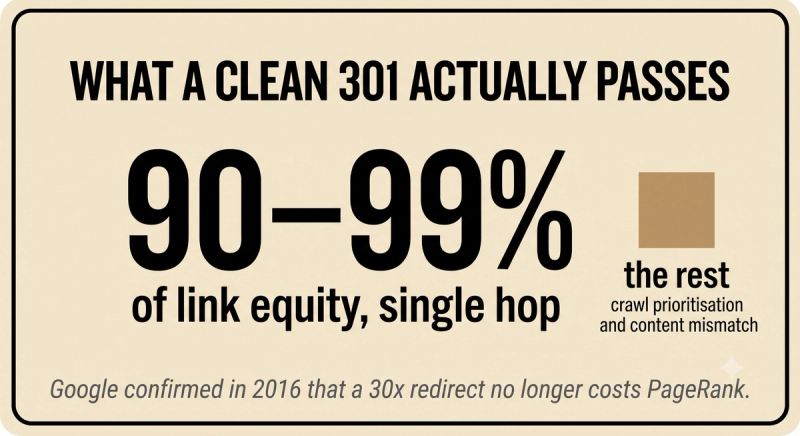
- Google's Gary Illyes confirmed in 2016 that 30x redirects no longer cost a page PageRank, reversing years of earlier guidance.
- A properly implemented single-hop 301 passes roughly 90 to 99 percent of link equity in practice, since crawl prioritization and content mismatch can still shave a little off the top.
- A widely cited Moz case study found permanent redirects associated with a 15 percent organic traffic drop for each additional hop stacked into a redirect chain.
- Googlebot commonly gives up on a redirect chain once it passes roughly five hops, meaning any equity sitting beyond that point may not transfer anywhere at all.
301 redirect vs 302 redirect
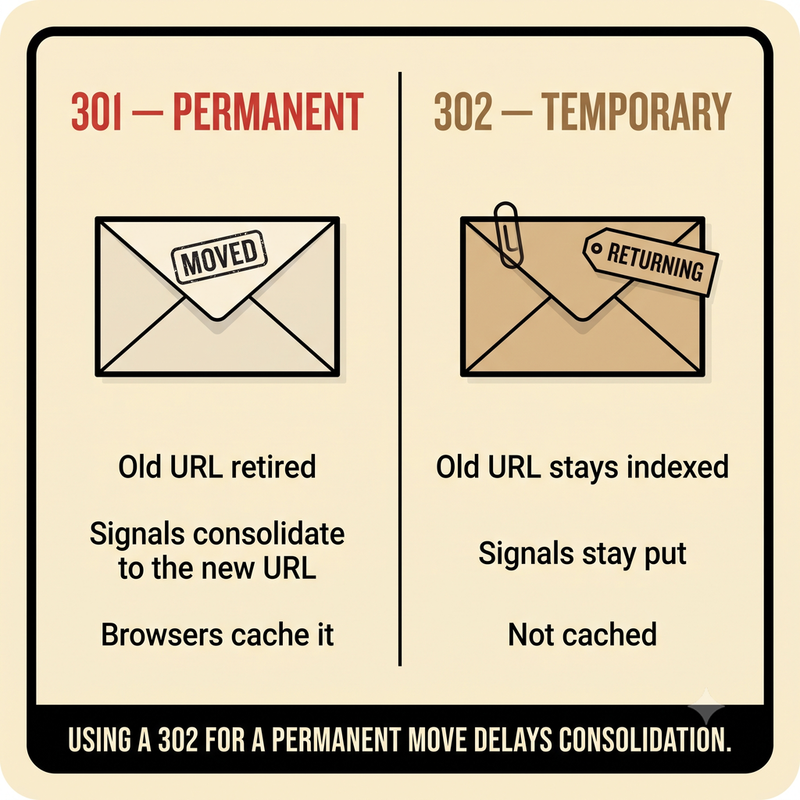
A 301 states the move is permanent, this address isn't coming back. A 302 redirect states the opposite, that the move is temporary and the old URL should stay indexed because it's expected to return.
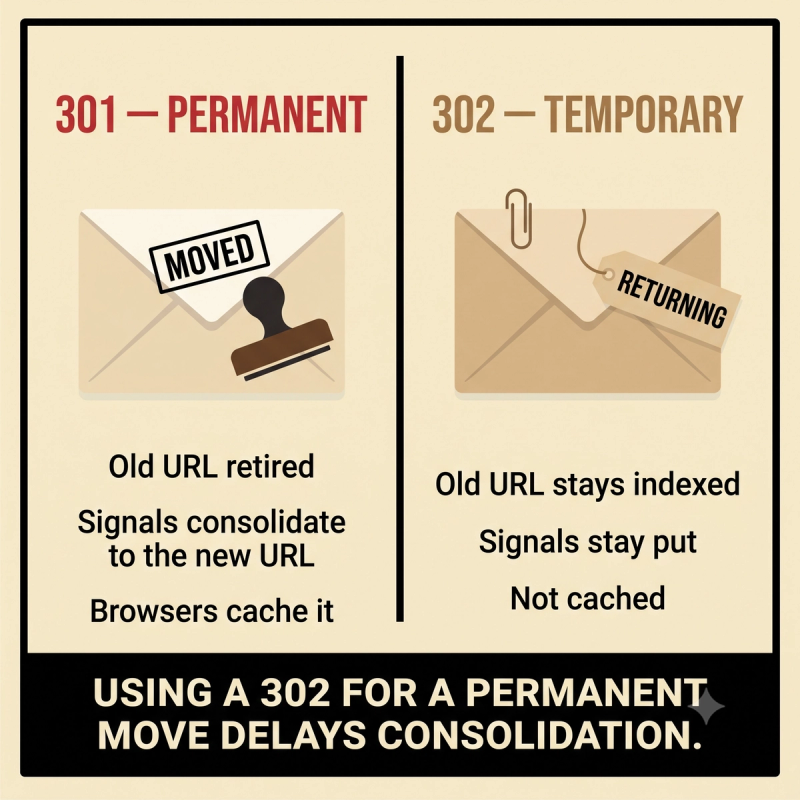
Using a 302 for something meant to be permanent is a common mistake, and it leaves Google hesitant to fully consolidate ranking signals onto the new URL, since it's technically still waiting for the old one to come back.
When to use a 301 redirect
- Migrating a site to a new domain, or moving from HTTP to HTTPS.
- Merging two pages into one and permanently retiring the weaker URL.
- Renaming a URL slug or restructuring category paths.
- Removing a discontinued product page and pointing shoppers toward its closest active replacement.
How to avoid losing value with a 301
- Redirect straight to the final destination in one hop, never through an intermediate URL.
- Point it at a genuinely relevant, equivalent page, not the homepage used as a catch-all.
- Update internal links, canonicals, sitemaps, and hreflang to reference the new URL directly instead of relying on the redirect to carry the weight.
- Keep the redirect live for at least a year, giving search engines and external links time to fully migrate.
- Audit existing redirects periodically to catch and collapse any chains that build up over time.
Frequently asked questions
Does a 301 redirect actually pass all the ranking value forward?
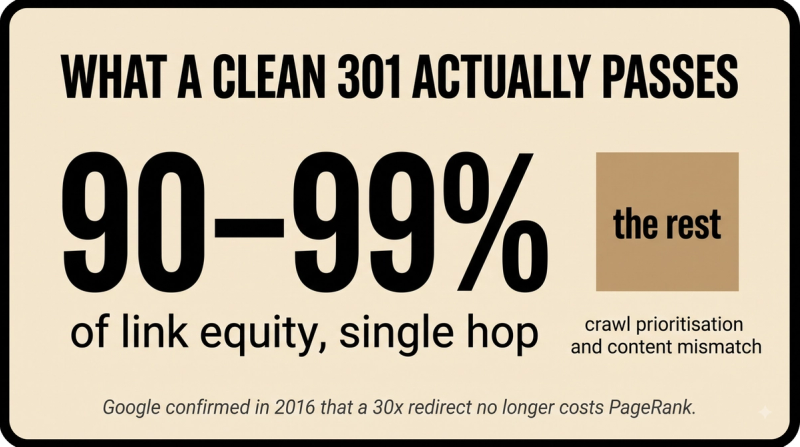
Not quite all of it, but close. A properly implemented single-hop 301 passes roughly 90 to 99 percent of link equity in practice, even though Google confirmed in 2016 that the redirect itself no longer costs PageRank. The small remaining loss tends to come from crawl prioritization and content mismatch, not the 301 mechanism itself.
Why do redirect chains hurt so much more than a single 301?
Each additional hop compounds the loss. A widely cited Moz case study found a 15 percent organic traffic drop associated with every extra hop in a chain, and Googlebot commonly abandons chains altogether past roughly five hops, at which point equity may transfer nowhere.
When should a 302 be used instead of a 301?
Only when the change is genuinely temporary and expected to reverse. A 302 keeps the original URL indexed on the assumption it's coming back, while a 301 tells Google to consolidate signals onto the new URL permanently. Using a 302 for something meant to stick around delays that consolidation.
How long does a 301 redirect need to stay active?
At least a year, by common recommendation, long enough for search engines and external sites to fully update their records. Removing it too early can strand backlinks still pointing at the old URL, losing value that would otherwise have transferred.


