
TL;DR. Header tags, the H1 through H6 elements that mark a page's title and section breaks, carry more weight than most SEO checklists suggest. Riffanalytics' 2026 SEO guide ties proper implementation to a 12% ranking lift and 2.2 times better odds of winning a featured snippet. AEL Data separately found that 71.6% of screen reader users navigate by jumping between headings rather than reading a page top to bottom, which makes heading structure one of the rare elements that serves search rankings, AI citation, and accessibility all at once.
What are header tags?
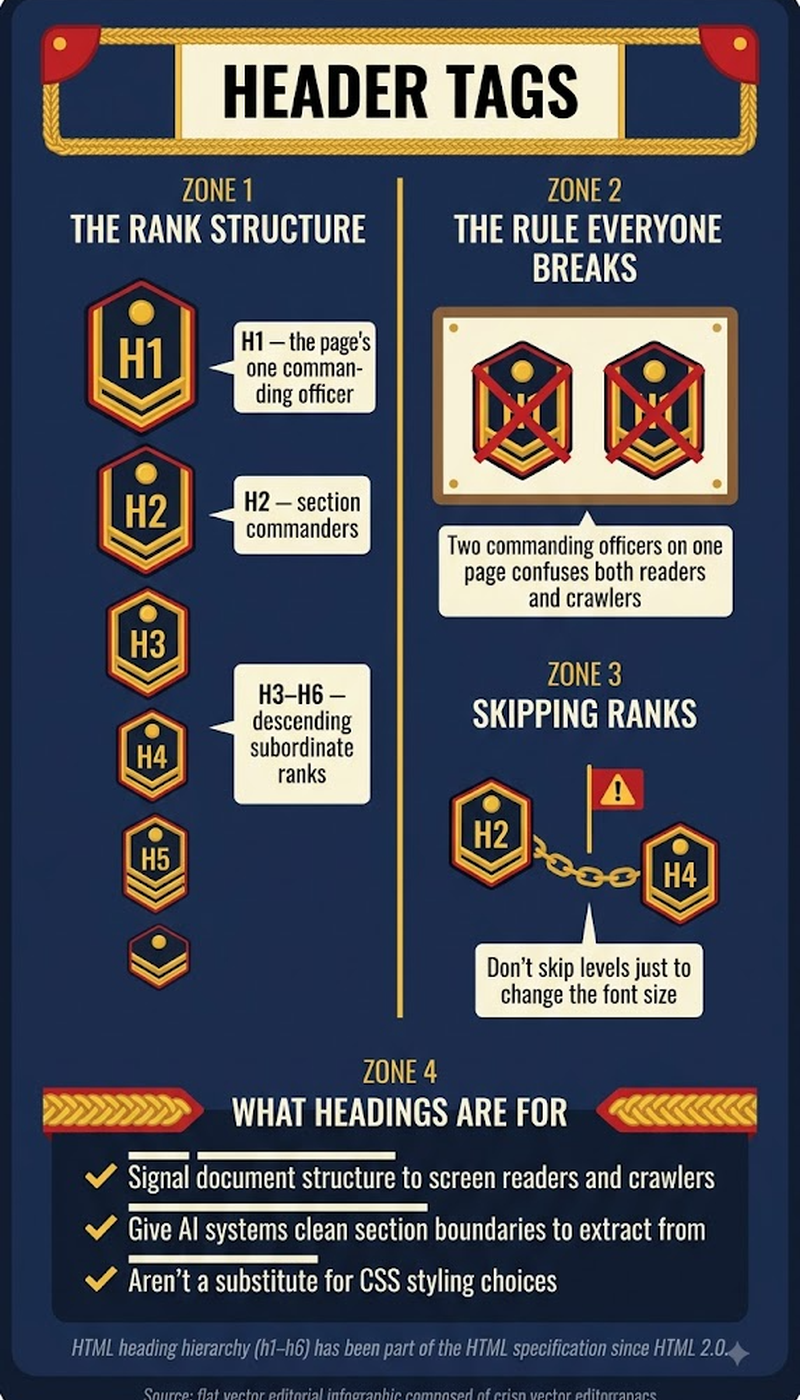
Header tags mark the six heading levels HTML defines, H1 through H6, arranged in a hierarchy rather than as interchangeable text sizes. One H1 states a page's main topic. H2s divide that topic into its major sections, and H3 through H6 nest progressively narrower subsections underneath whichever H2 or H3 they belong to. Search crawlers, AI answer engines, and screen readers all parse this same nested structure to figure out how a page's content fits together, which is why getting the hierarchy right pays off in SEO, GEO, and accessibility simultaneously.
Key highlights
- Riffanalytics' 2026 SEO guide found proper header implementation can lift rankings by 12% and increase the odds of winning a featured snippet by 2.2 times.
- Screen readers treat headings as a navigation menu, not just visual formatting. AEL Data's accessibility research found 71.6% of screen reader users rely on jumping between headings as their primary way of finding content on a page.
- WCAG 2.2 compliance and keyword rankings turn out to move together, not sit in separate silos: The Ed Digital's accessibility analysis found compliant sites ranked for 27% more keywords and posted a 19% higher Authority Score.
- The same analysis found accessible sites keep visitors around longer too, a 22% drop in bounce rate, 19% more pages per session, and a 27% longer average session, once WCAG AA compliance is in place.
- W3Era's 2026 header tags guide frames well-structured H2s and H3s as a baseline trait of high-performing content, not a bonus feature reserved for advanced sites.
Why skipping a heading level breaks more than it looks like
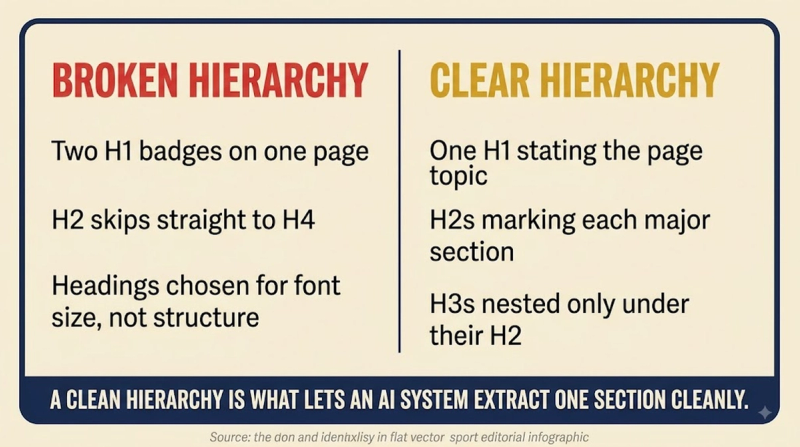
A page that jumps from an H2 straight to an H4, skipping H3 entirely, still looks fine visually if the font sizes are close enough. Underneath that, though, the nesting breaks: screen reader users navigating by heading level land on an H4 with no idea what section it belongs to, and crawlers lose the explicit parent-child relationship between sections. The fix isn't complicated, exactly one H1 per page, then an H2 for each major section, an H3 for anything nested inside a specific H2, and so on down the chain without shortcuts.
What AI answer engines actually do with your headings
AI systems segmenting a page for citation work off the same heading structure Riffanalytics found correlated with better featured snippet odds. A page broken into clearly labeled H2 and H3 sections hands an AI system multiple separate, quotable units, a definition under one heading, a comparison under another, a set of steps under a third. A single wall of bolded text under one H1 gives it nothing to isolate, even when the underlying information is accurate and complete.
The accessibility argument nobody puts in the SEO deck
Screen reader software builds its own table of contents from a page's headings, and users trigger it constantly, jumping past irrelevant sections with a single keystroke instead of listening through the whole page. AEL Data's research puts the share of users relying on that shortcut at 71.6%. Headings used purely to make plain text bigger, or heading levels skipped for visual reasons, break that shortcut regardless of how the page looks on screen, and The Ed Digital's data shows the sites that get this right also convert it into lower bounce rates and longer sessions.
How to structure headings on a real page
- Use exactly one H1 per page, naming the page's single main topic.
- Nest headings in strict numerical order, never letting an H3 appear directly under an H1 with no H2 between them.
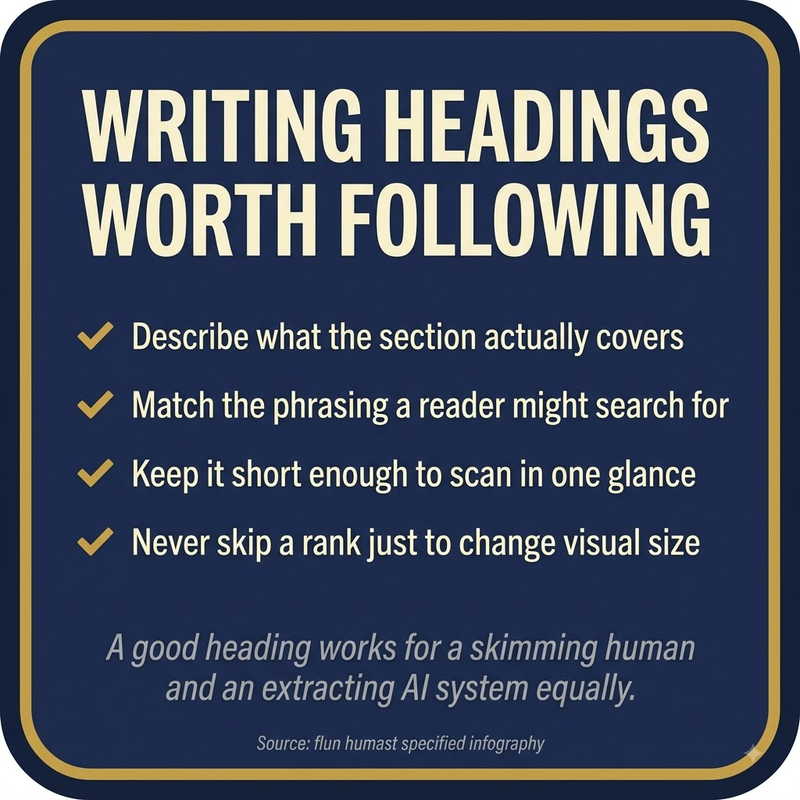
- Write each heading to describe the section beneath it accurately, not to cram in a keyword.
- Work the page's primary keyword into the H1 and into H2s wherever it genuinely fits the section, not by force.
- Reserve heading tags for real structural breaks, never as a shortcut for making plain text look bigger or bolder.
Frequently asked questions
What are header tags in SEO?
Header tags are the H1 to H6 HTML elements marking a page's title and section breaks. Search engines, AI systems, and screen readers all use that same hierarchy to figure out how a page is organized, so a page's heading structure functions less like formatting and more like a table of contents built directly into the code.
Can a page have more than one H1?
Technically yes, most modern browsers won't stop it. Practically, no: a page with multiple H1s removes the single clear top-level signal search engines and screen readers rely on to identify the page's main subject, and it usually means the content itself doesn't have a single, well-defined topic either.
Do headings actually move rankings, or is that overstated?
Header tags are not an isolated ranking factor Google scores in isolation, but the correlation Riffanalytics found, a 12% ranking lift and 2.2 times better snippet odds tied to proper implementation, is large enough that treating headings as decoration is a mistake. The mechanism is structural: better headings mean easier content segmentation, and easier segmentation means more paths to visibility.
Why do screen reader users care about headings specifically?
Screen reader software builds a navigable outline from a page's headings, letting a user jump straight to a relevant section with one keystroke instead of listening through the entire page linearly. AEL Data found 71.6% of screen reader users rely on that shortcut as their primary navigation method, so a broken heading hierarchy doesn't just look messy, it removes the fastest way blind and low-vision visitors have of finding what they came for.
How does heading structure affect whether AI systems cite a page?
AI answer engines segment pages into quotable units along heading boundaries, according to Riffanalytics' 2026 guide. A page with clean H2 and H3 divisions offers several distinct, extractable answers instead of one undifferentiated block, which is the practical reason well-structured pages tend to get cited more often even when a competing page covers the same information.


