
TL;DR. Hydration takes server-rendered HTML that's already visible on the page and attaches JavaScript event listeners to it, turning static markup into a fully interactive interface without re-rendering the content itself. It combines server-side rendering's SEO and speed advantages with client-side rendering's interactivity, though a large hydration bundle can itself become the bottleneck, delaying when a page actually becomes responsive to clicks even after it visually appears complete.
What is hydration?
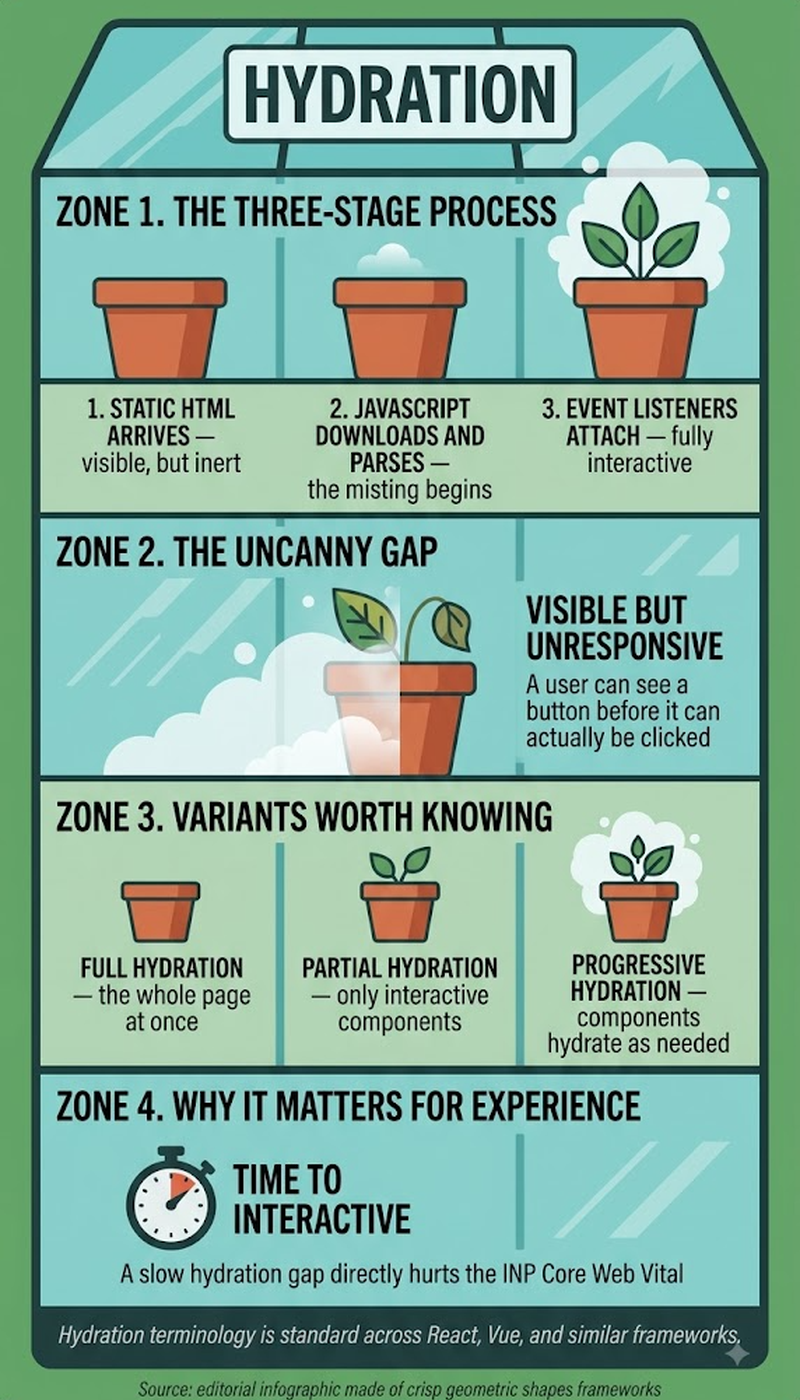
Hydration is the step where a browser takes HTML the server already rendered and sent down, content already visible and readable, and layers JavaScript onto it so buttons click, forms submit, and dropdowns open. The name reflects the metaphor: static HTML is the dry skeleton, and JavaScript execution hydrates it into something alive and interactive, without needing to rebuild the content from scratch the way pure client-side rendering would.
Key highlights
- Hydration is what lets a page pass server-side rendering's content immediately to crawlers while still delivering the same rich interactivity a client-side rendered app would offer once JavaScript finishes attaching.
- A large hydration bundle creates its own performance problem, since the browser has to download, parse, and execute JavaScript for the whole page before any of it becomes clickable, even though the content was visible the entire time.
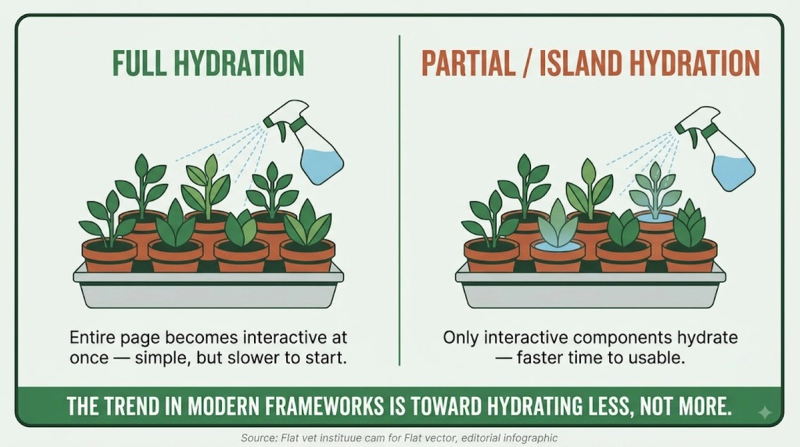
- Selective hydration prioritizes attaching interactivity to the elements a visitor is most likely to touch first, rather than hydrating the entire page in one uniform, blocking pass.
- Partial hydration goes further, deliberately leaving some components, a footer, a static sidebar widget, entirely non-interactive and never hydrated at all, since not every piece of a page needs JavaScript behavior attached to it.
Why hydration overhead directly hurts responsiveness
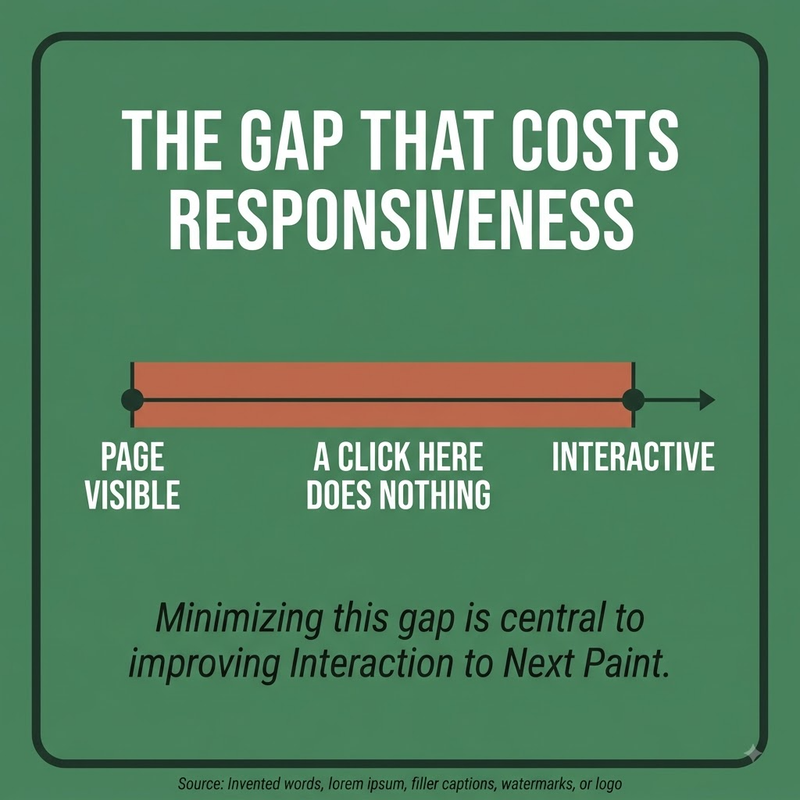
A visitor who taps a button before hydration completes on that section experiences exactly the kind of unresponsive delay Interaction to Next Paint measures, even though the page looked fully loaded the whole time. This visible-but-not-yet-interactive gap is one of the most common causes of a poor INP score on otherwise fast-loading server-rendered pages, which is exactly why selective and progressive hydration strategies exist.
Reducing hydration overhead in practice
- Prioritize hydrating above-the-fold interactive elements first, deferring below-the-fold widgets until after they're actually visible.
- Skip hydration entirely for genuinely static components that never need to respond to interaction.
- Split the JavaScript bundle so unrelated components don't all wait on the same monolithic script to finish loading before any of them can hydrate.
Frequently asked questions
What is hydration, in one sentence?
Hydration is the process of attaching JavaScript interactivity to HTML that a server already rendered and sent to the browser as visible content.
Does hydration slow down SEO the way client-side rendering does?
No, not for indexing purposes. Crawlers already see the complete content in the initial HTML, since hydration only affects interactivity, not what content exists on the page in the first place.
Why does a page sometimes look loaded but not respond to clicks?
Because the visible HTML arrived before hydration finished attaching event listeners; the content and the interactivity are two separate steps, and a heavy JavaScript bundle can leave a visible gap between them.


